
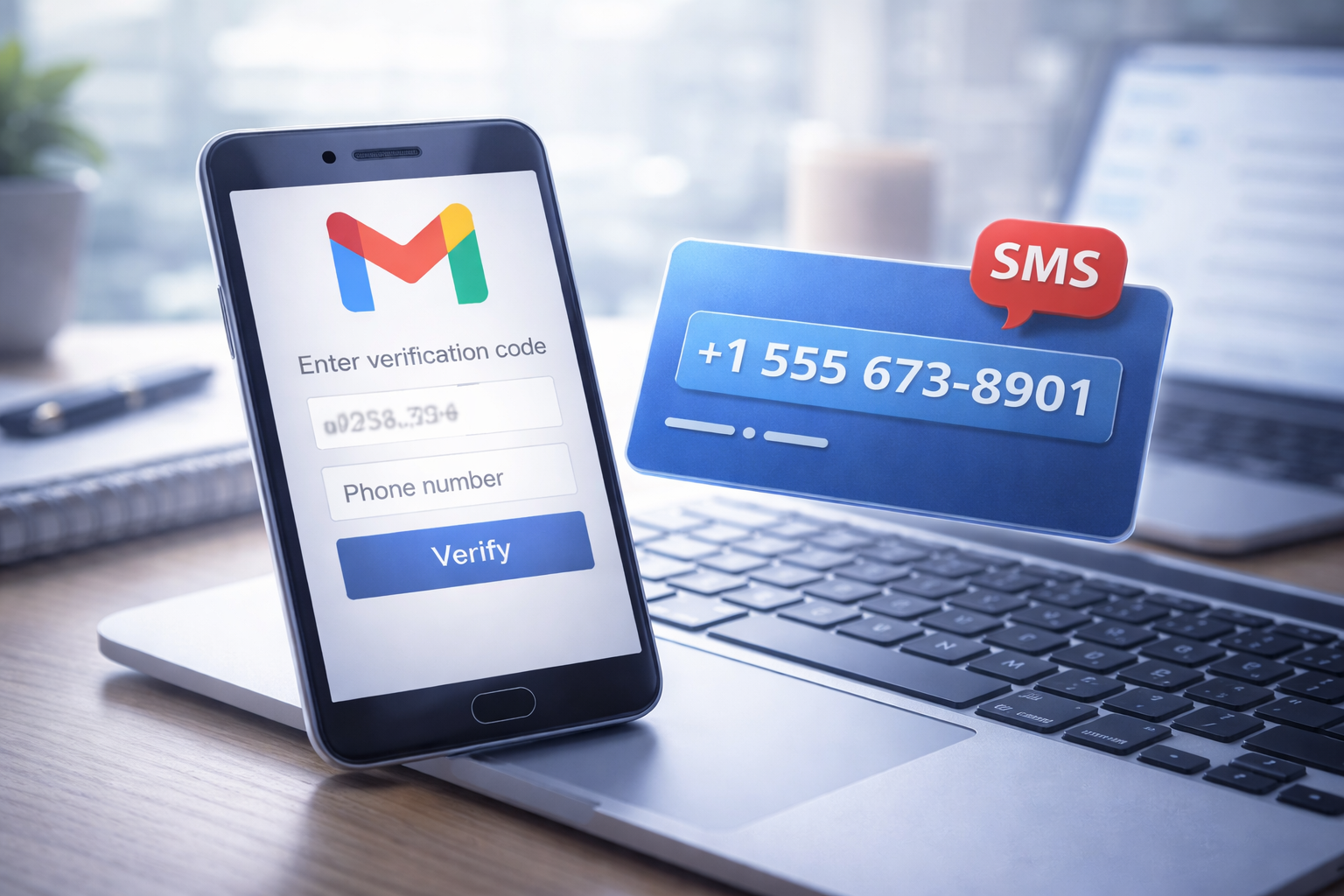
Phone verification has become a standard step when creating a Gmail account. Depending on region, device, and signup behavior, Google may request a phone number to confirm that a real user is behind the registration. For many users — especially those operating under SIM registration rules or managing multiple accounts — this leads to a common question: how to receive SMS online for Gmail verification without relying on a personal SIM card.
As phone numbers are increasingly tied to identity, users are becoming more selective about where and how their primary number is used.
Why Gmail Requires SMS Verification
Gmail’s phone verification is part of a broader security system designed to limit spam, automated sign-ups, and abusive account creation. Google applies risk-based checks rather than enforcing phone verification uniformly.
Verification is more likely to be triggered when:
- multiple accounts are created within a short time
- registrations come from the same device or browser profile
- IP addresses or locations change frequently
- signup behavior resembles automation patterns
These checks are automated and do not imply misuse. They are simply safeguards applied at scale.
Why Many Users Avoid Using Their Personal SIM
Even when phone verification is legitimate, users often hesitate to enter their primary phone number. There are several practical reasons for this:
- Personal numbers become linked to too many services
- increased exposure to spam and unwanted messages
- limits on how many accounts one number can verify
- difficulty separating personal, work, and secondary accounts
- stronger identity linkage due to SIM registration laws
As a result, many users prefer to reserve their main SIM for essential services such as banking, government platforms, and long-term personal communication.
What It Means to Receive SMS Online
Receiving SMS online usually involves using a temporary or virtual phone number that can accept messages through a web interface. Instead of a physical SIM card inserted into a device, the number exists digitally and displays incoming SMS messages in real time.
The typical process looks like this:
- A phone number is requested during Gmail signup
- The user selects a virtual or temporary number
- The verification SMS is received online
- The code is entered to complete registration
In most cases, the number is only needed once and does not remain associated with the account afterward.
How Online SMS Fits Into SIM Registration Environments
SIM registration requirements have changed how users treat phone numbers. In many regions, a registered SIM is closely tied to personal identity, making users more cautious about using it for non-essential platforms.
Online SMS verification offers flexibility in scenarios such as:
- creating secondary Gmail accounts
- separating work and personal email access
- traveling without access to a local SIM
- testing apps or onboarding flows
- short-term or project-based account usage
This approach helps reduce unnecessary exposure of identity-linked phone numbers.
Common Use Cases for Gmail Online Verification
Users typically rely on online SMS verification for Gmail when:
- setting up a dedicated work or project inbox
- managing multiple online services tied to email
- creating accounts for tools, subscriptions, or platforms
- handling cross-border access and regional limitations
In most cases, the goal is not anonymity, but convenience and account organization.
Is Receiving SMS Online Safe and Legitimate?
Online SMS verification does not involve hacking or bypassing Gmail’s systems. The verification process remains the same — the only difference is the delivery method for the SMS code.
Virtual numbers operate through standard telecom routes and are designed for temporary use. As with any verification method, responsible usage is important. Users should follow platform rules and avoid abusive account creation practices.
Best Practices for Gmail Verification Using Online SMS
To reduce issues during verification, users should:
- avoid rapid or repeated account creation
- use consistent and realistic account details
- maintain a stable browser and network session
- set up recovery options after account creation
- treat the account as a long-term workspace, not disposable access
These steps help ensure smoother verification and long-term account stability.
The Bigger Trend: Verification Without Hardware Dependence
As digital services expand globally, users increasingly expect to verify accounts without buying SIM cards or linking every platform to a single phone number. Online SMS verification reflects a broader shift toward flexible, software-based identity checks.
This trend is likely to continue as security requirements grow and SIM registration becomes more widespread.
Final Thoughts
Gmail verification is now a routine part of account security, but it doesn’t have to mean exposing a personal phone number everywhere. Online SMS verification provides a practical option for users who want flexibility, better separation of accounts, and more control over how their primary SIM is used.
In an environment where phone numbers function as identity keys, limiting their exposure is not just convenient — it’s a smart digital habit.